
Begin in your photo library.
Choose photos yourself, or find a group by date. Optional city recognition can bring photos from the same city together within a continuous period. You can always adjust the group.
A small publication, made by you
A cover. A few words. The voice you want to remember. Turn the photos already on your iPhone into a folio you can come back to.
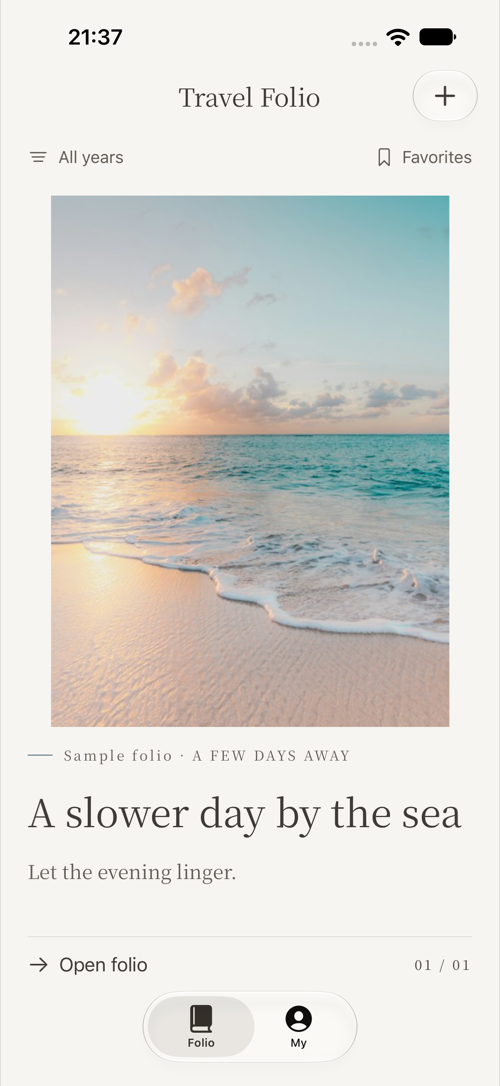
Start with your photosYour choices make the story.
Make room for your voiceRecord what the picture cannot say.
Keep it closeYour folios are saved on your device.
From camera roll to keepsake
A long weekend, a new city, or the afternoon you keep thinking about. You decide what deserves a page.
Choose photos yourself, or find a group by date. Optional city recognition can bring photos from the same city together within a continuous period. You can always adjust the group.
Swipe right to keep a photo, left to skip. Selected, left-to-review, and skipped counts remain visible. Change your mind with Undo, then preview your folio.
Adjust the cover, photo order, and crops. Add an opening note, captions, or your own voice. Save when it feels right; return later with something new to say.
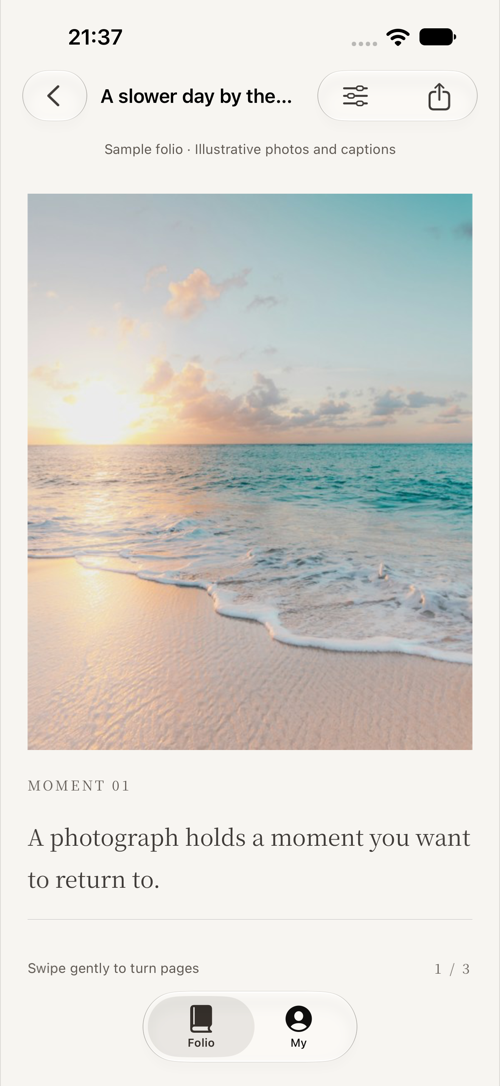
For the next time you look back
Read a saved folio offline. Favorite a moment, browse by year, and add how you feel now.
Photo pages can stand on their own. Text, dates, and recordings are optional. When you record, it is your own voice, saved only after you confirm.
Export page images, a reading PDF, original photos, and saved voice notes. A complete backup keeps the saved photos, words, and recordings together for restoration.
Voice notes are separate audio files; a PDF does not contain the audio.
Your story, your choices
No account, ads, or tracking. Your photos and voice recordings are not sent to the developer.
Read the privacy policy →